Markdown to PDF, Made Simple
Write in Markdown, see the result instantly, export professional PDFs. A native desktop editor with live preview, formatting toolbar, and syntax-highlighted code blocks.
Everything you need to write
Downwrite gives you a focused writing environment with powerful Markdown tools, all in a native desktop app.
Live Preview
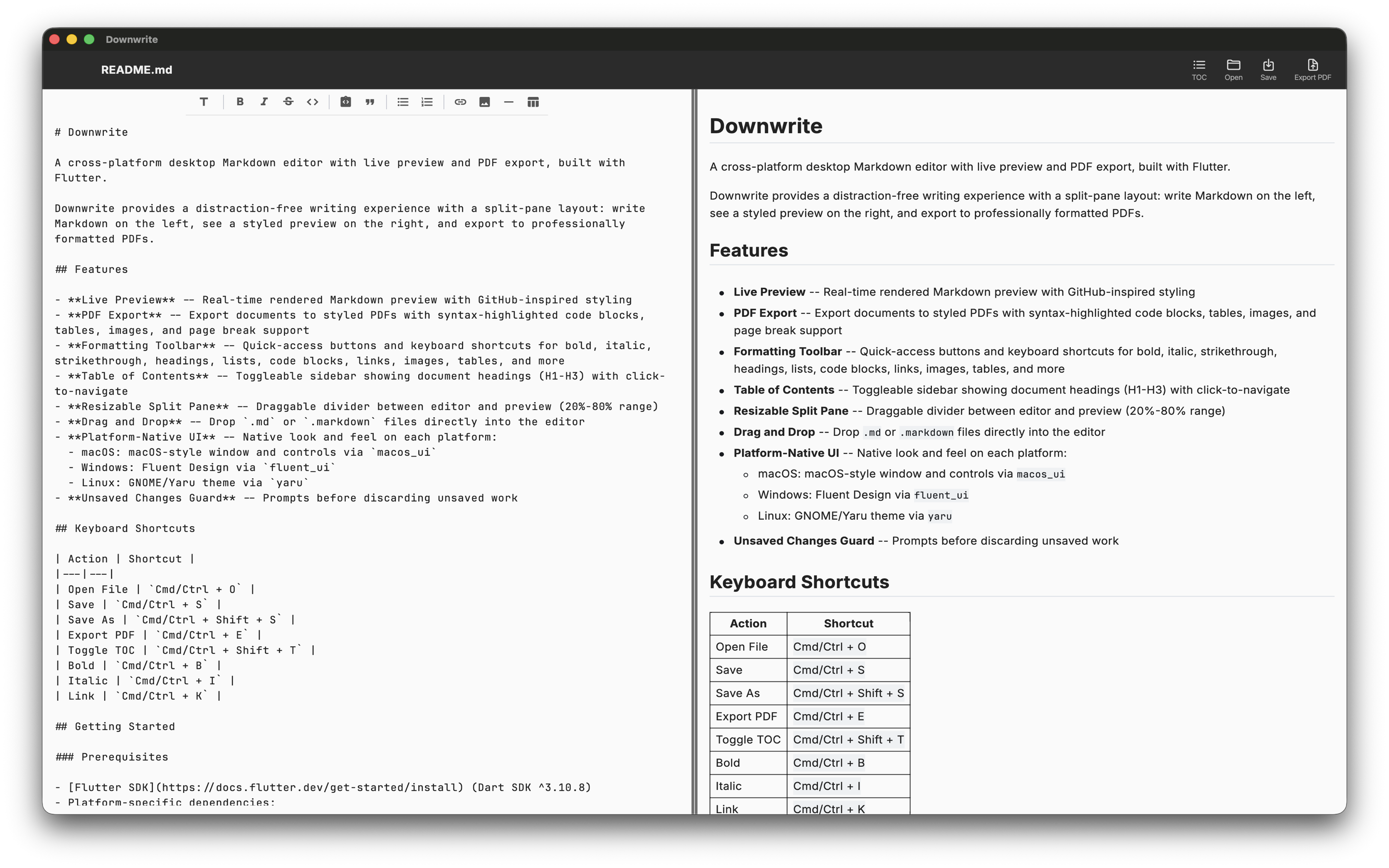
Split-pane editor with synchronized scrolling. See your formatted Markdown as you type, side by side with your source.
Formatting Toolbar
Bold, italic, code blocks, tables, links, and more. Apply formatting with a click or use keyboard shortcuts.
PDF Export
Export to professional PDFs with syntax-highlighted code blocks, styled tables, and clean typography. Print or share anywhere.
Table of Contents
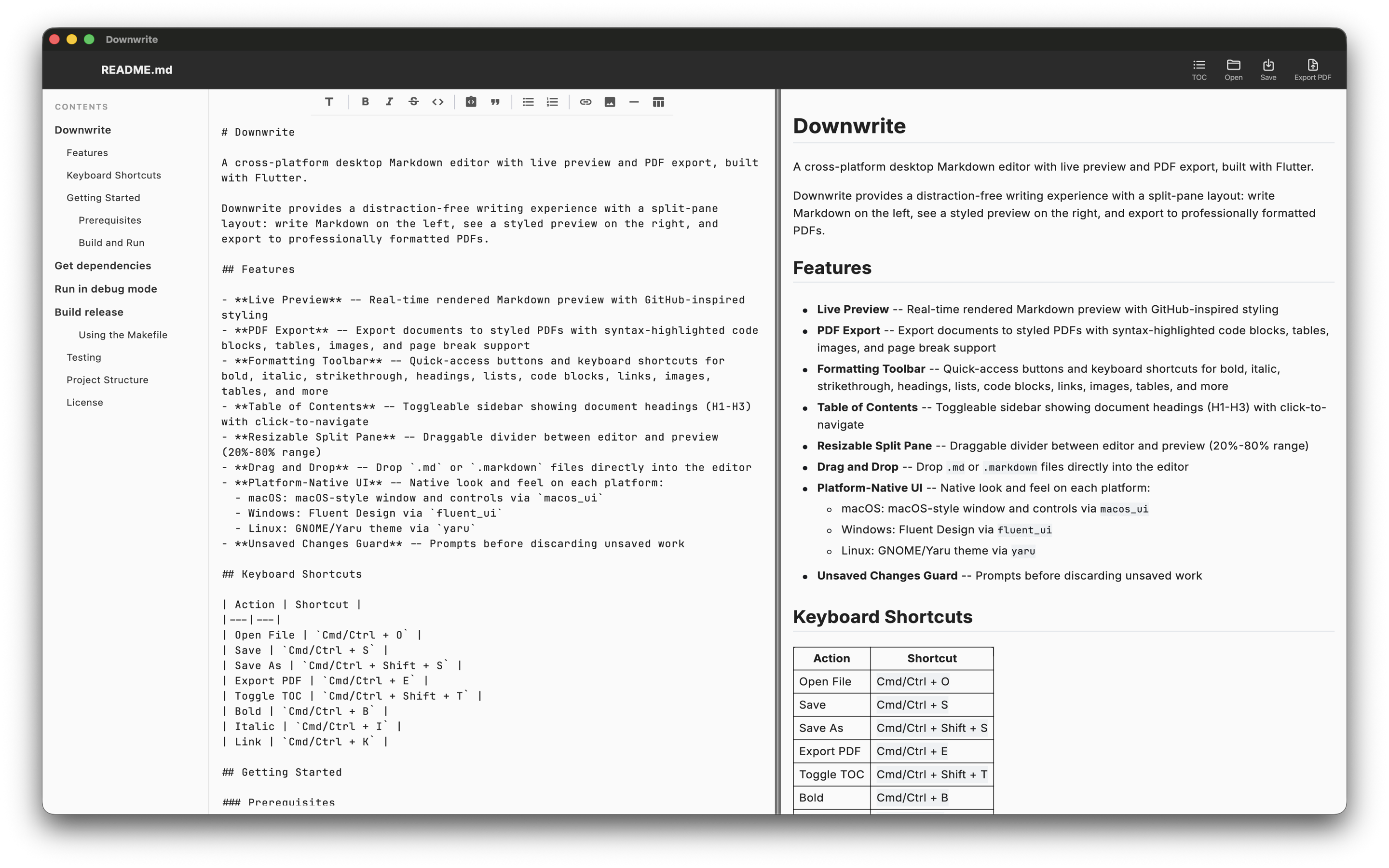
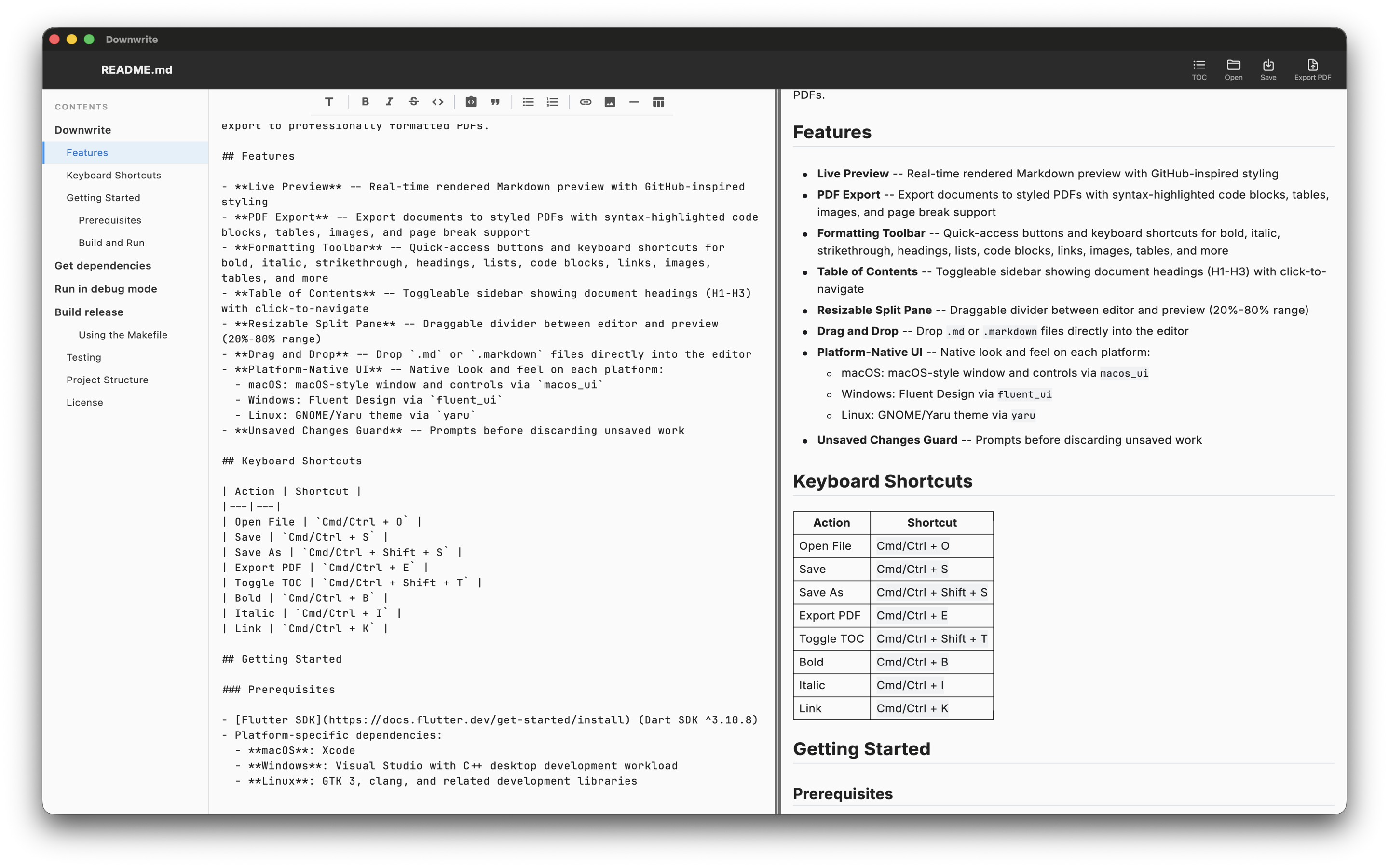
Sidebar navigation generated from your headings. Jump to any section instantly and see your document structure at a glance.
Drag & Drop
Open Markdown and text files by dragging them onto the window. No file dialogs needed — just drop and start editing.
Platform Native
Built for macOS, Windows, and Linux. Feels right at home on every platform with proper menus, shortcuts, and styling.
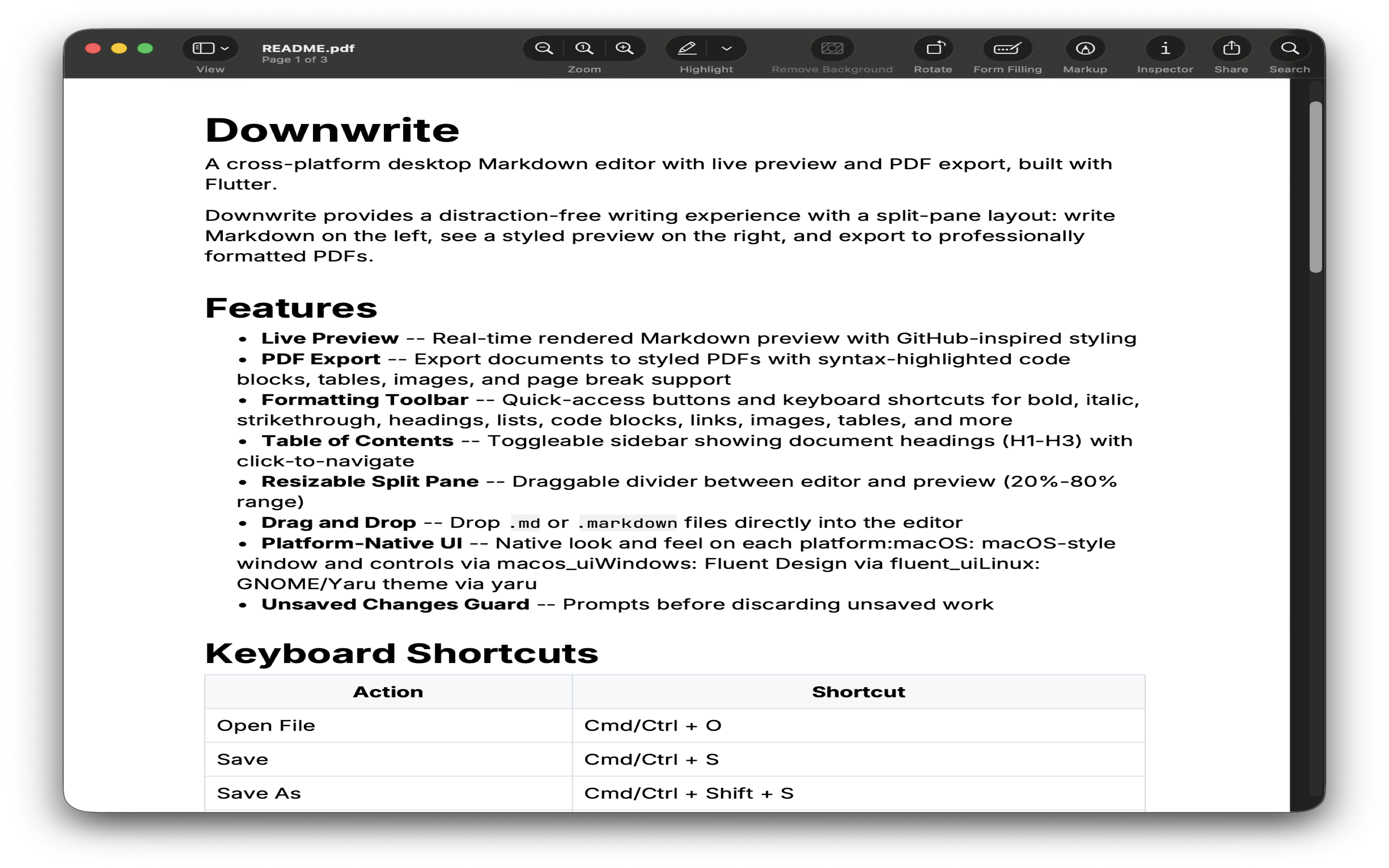
See it in action
A clean, focused writing environment with powerful tools at your fingertips.
Simple pricing
Pay once, use forever. No subscriptions, no recurring fees.
Free
$0
Preview Markdown files
- Open and view Markdown files
- Live preview rendering
- Table of contents navigation
Full Version
$14.99
One-time purchase
- Everything in Free
- Full editing with formatting toolbar
- PDF export with syntax highlighting
- Save and create new files
- Multi-tab editing